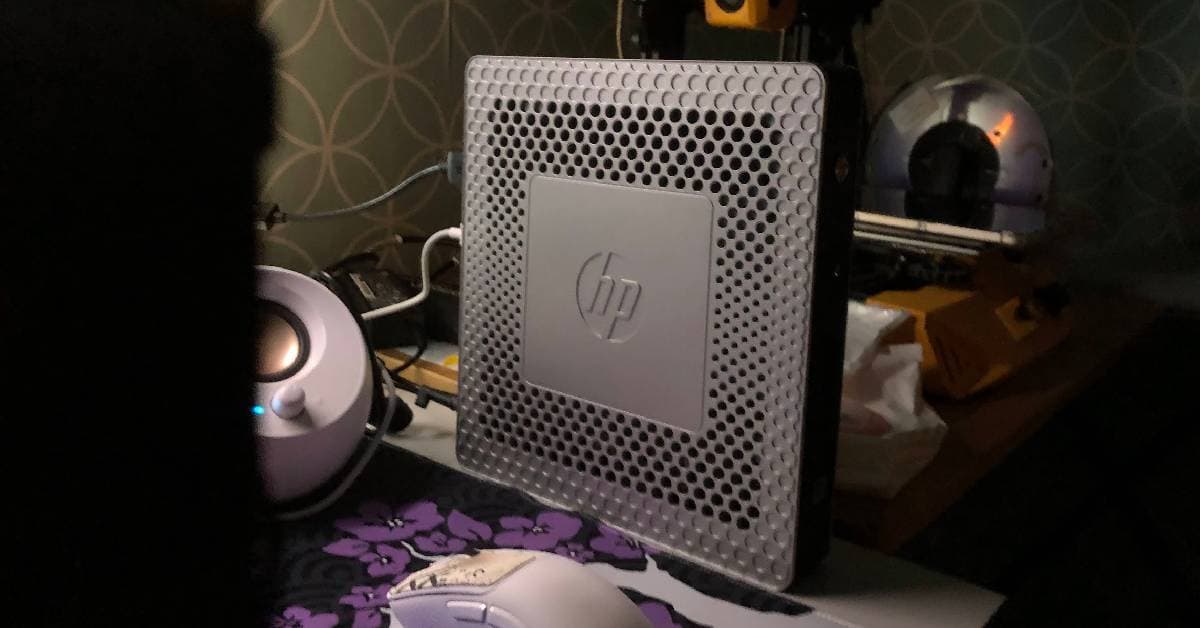
My first homelab
- Published on
There's something uniquely satisfying about breathing new life into old hardware. I was doom-scrolling on Carousell one day, looking for cheap or free items people wanted to let go. Then I stumbled upon an old office computer for just RM 60 (about USD ~13 converted), which was quite cheap! I had been looking at a few candidates previously, but they didn't fit my budget, so I thought this was a good opportunity to grab one. I bought it.
My first impression was that I liked the form factor, which wouldn't take up much space, and the specs were quite OK for a beginner like me who had just started homelabbing.
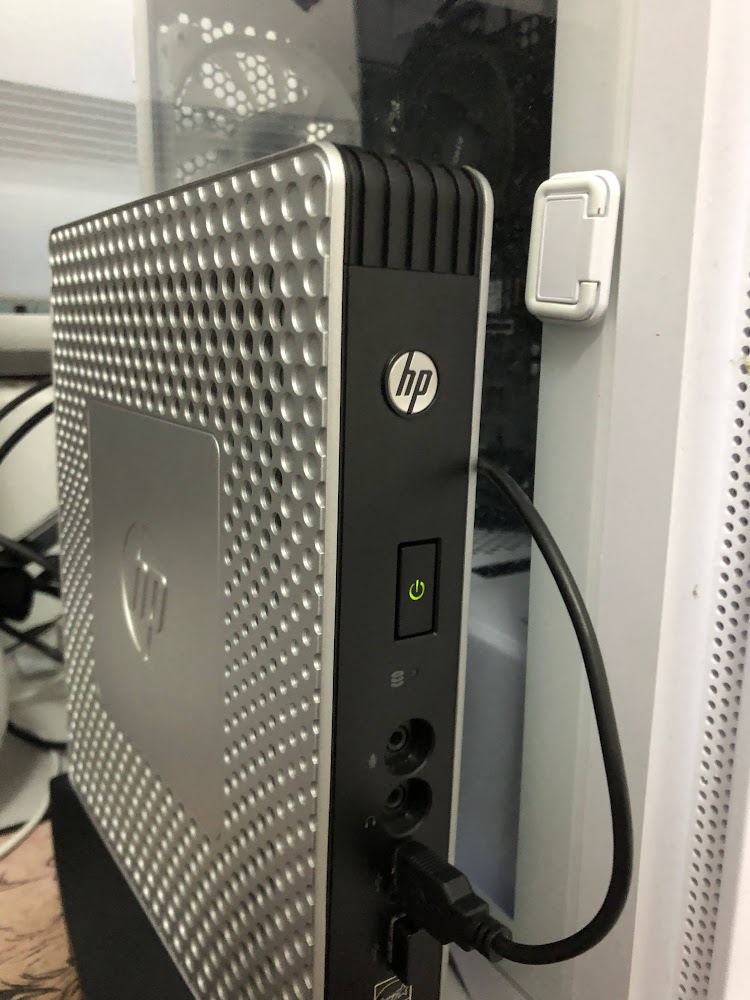
This post documents my journey of transforming this modest machine into a capable home server, complete with hardware upgrades, software configuration, and the occasional troubleshooting adventure. If you're considering starting your own homelab, I hope my experience provides both inspiration and practical guidance.
Unboxing
The model I got is an HP T610. It has an AMD T56N (dual-core) processor, 4 GB RAM, and 16 GB of flash storage. I've upgraded some of the components. I figured the RAM and storage were quite small and limited, which led to some upgrades!
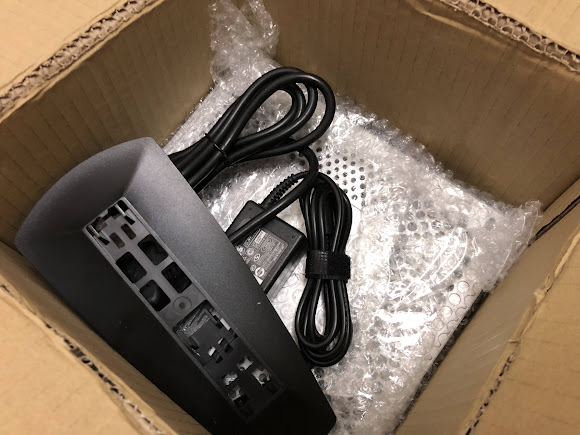
What's in the box? A complete set including the power adapter, stand base, and the computer itself. Luckily, it came with a power adapter because HP uses a proprietary jack for its power supply input.
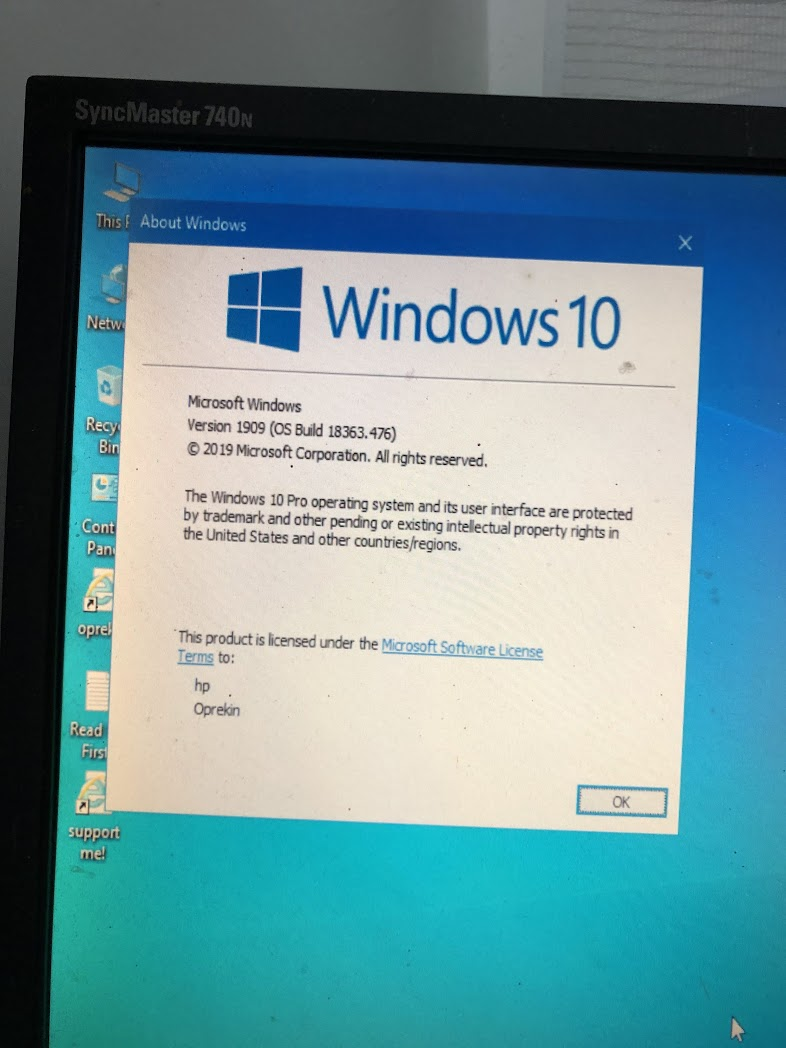
When I first powered up the device, it booted into Windows 10. I was surprised modern Windows could run on such modest hardware!
Hardware Upgrades
Recall that it originally came with 4 GB RAM and a 16 GB flash disk.
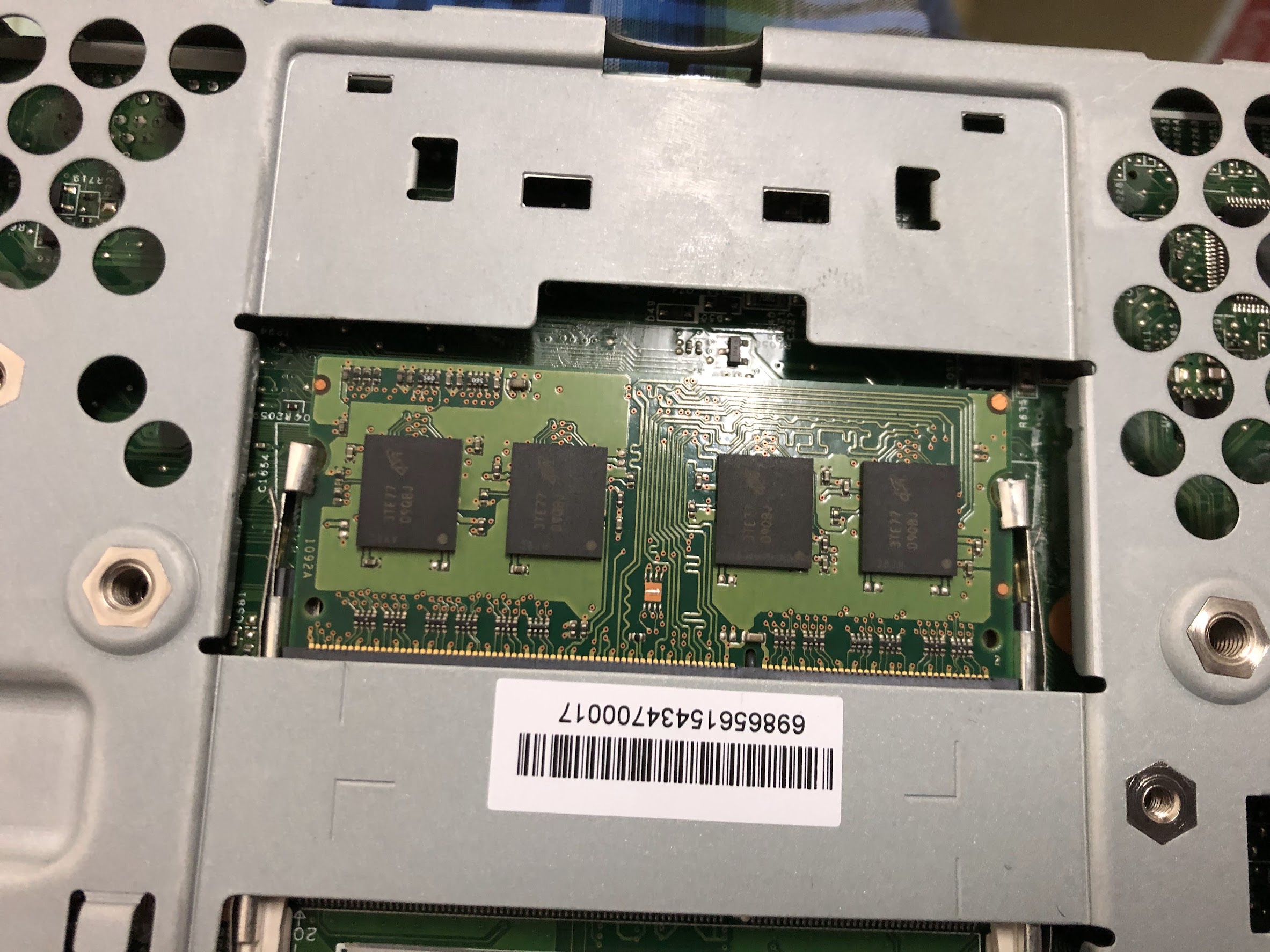
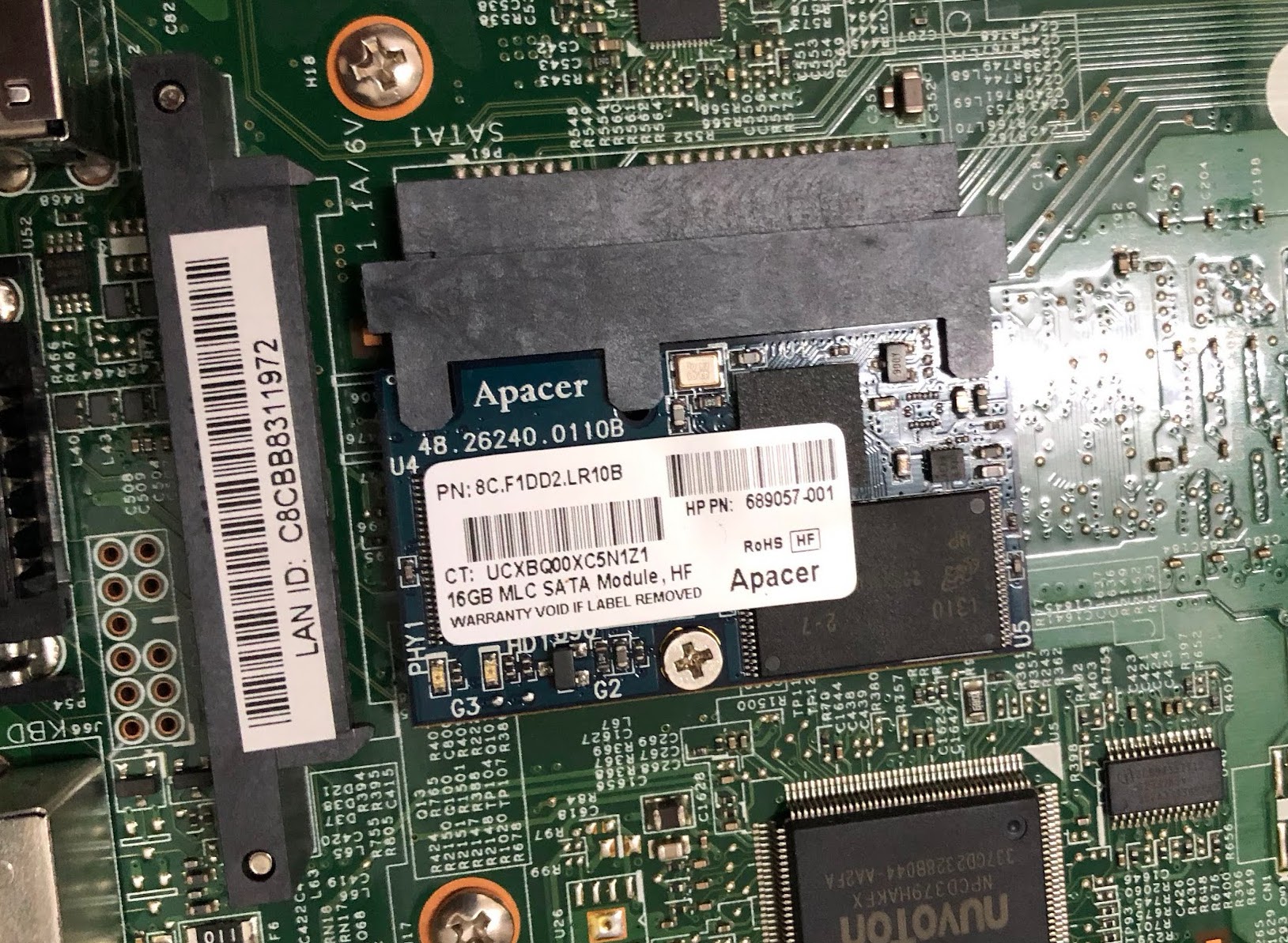
I've purchased a 120 GB SSD and a 4 GB RAM stick on Shopee. The plan is to use the 120 GB drive as the boot and main drive. This drive will store the Proxmox host and VM drives. I also have a 500 GB HDD left unused from an old laptop that I repurposed here as a storage drive.
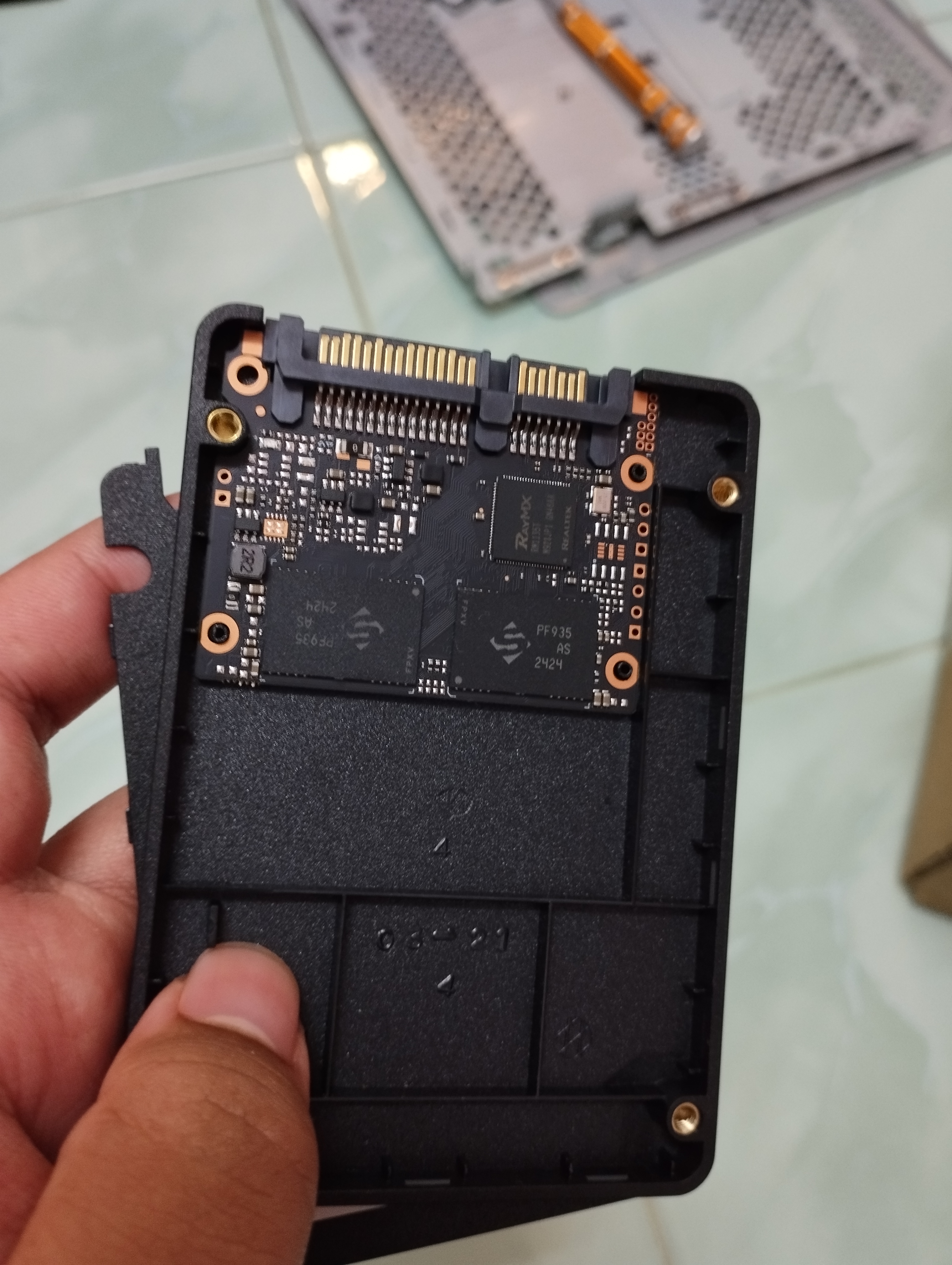
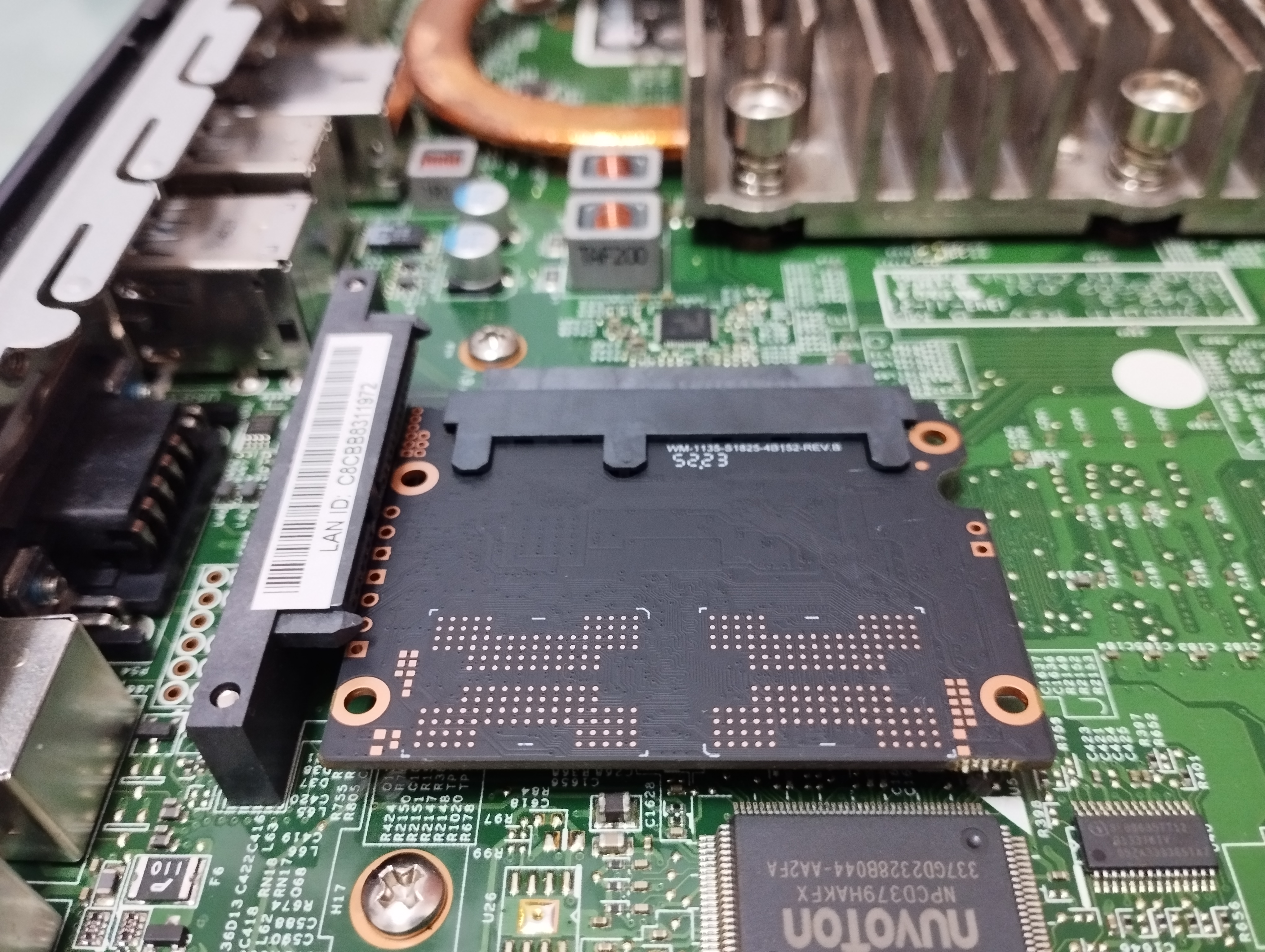
I had to take the SSD module out of its casing
This machine had one extra SATA slot, so I added another hard disk that I took from an unused old laptop. It has 500 GB of storage, and I plan to use it as a storage drive, i.e. to store data like movies, backups, large files, etc.
I designed and 3D-printed a stopper thingy (the purple part) to prevent the hard disk from moving and possibly disconnecting from its port. This idea was inspired by other people on this forum.
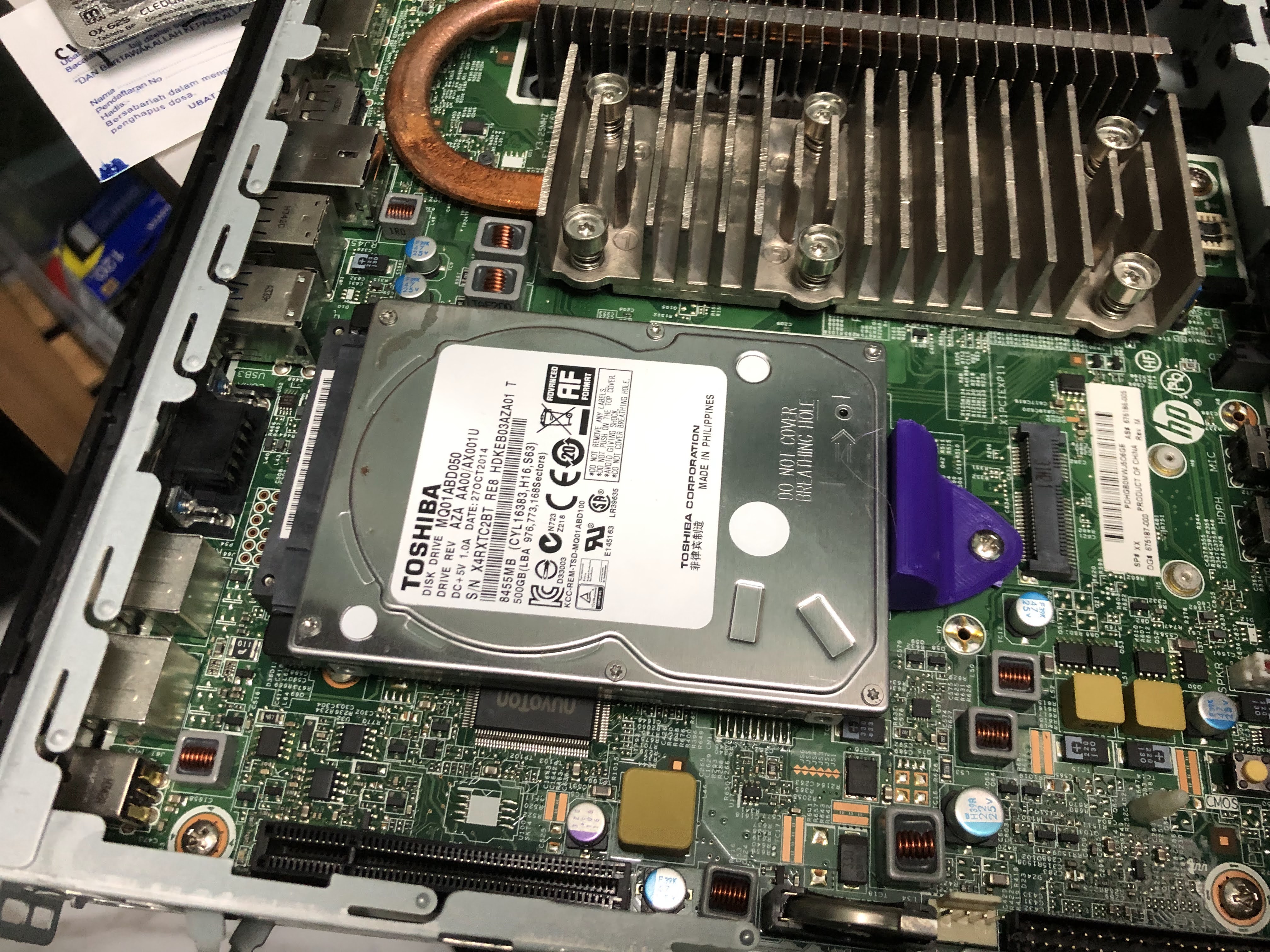
In the end, I had the following specification, and I think it is enough to host several non-production applications I already had in mind.
| Item | Description |
|---|---|
| CPU | AMD T56N (dual core) |
| RAM | 8 GB DDR3L |
| Storage | 120 GB SSD + 500 GB HDD |
Mods
Proxmox Installation & Setup
I can't remember where I first heard about Proxmox, but I decided to give it a try for managing my homelab. Proxmox is a hypervisor platform that allows you to run and manage multiple virtual machines and containers on a single physical server.
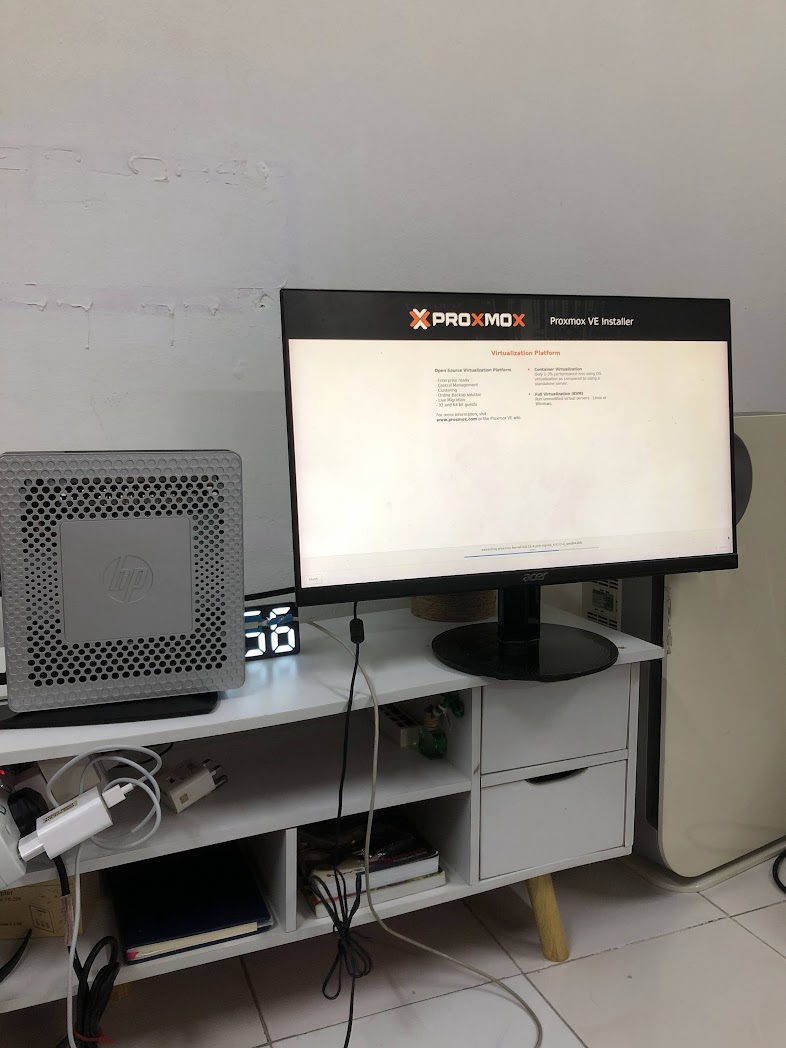
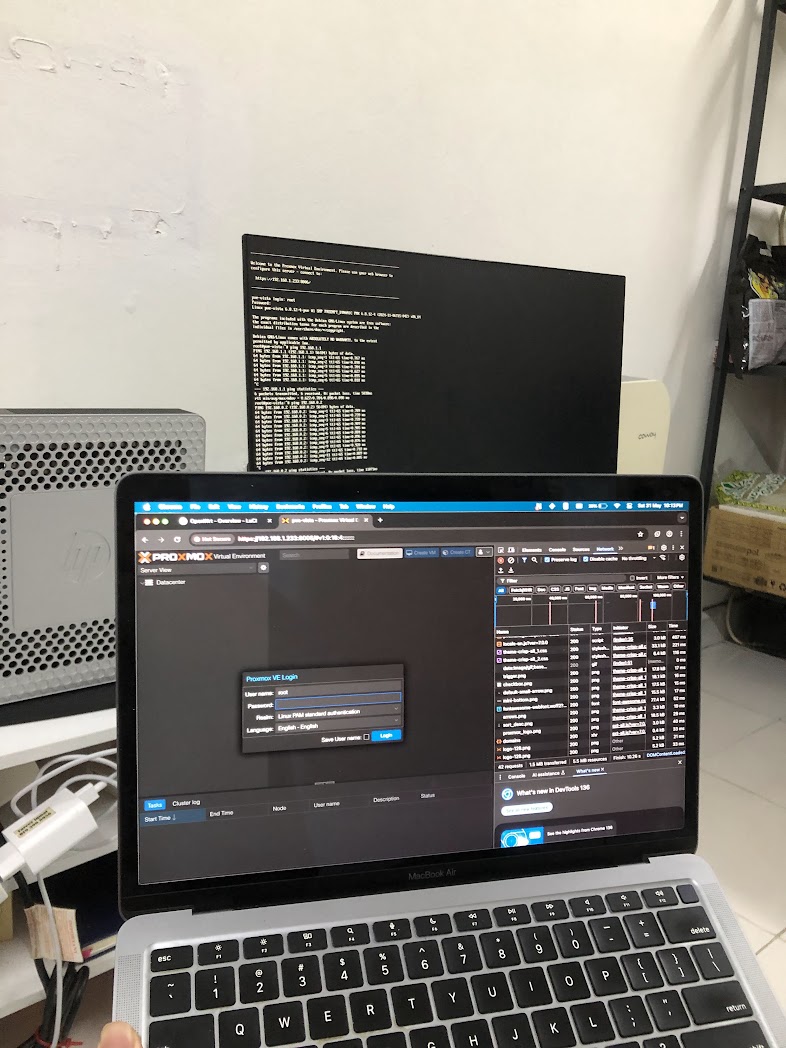
I flashed the Proxmox ISO onto a USB drive and booted my homelab machine from it to start the installation process. I had to bring the monitor and a keyboard along. I had some minor bumps along the way; for example, I didn't know what to enter when it asked for my gateway IP. Luckily, I had a network engineer wife who helped me figure that out 😉.
Limitations
After a few months of using it, I can say it works flawlessly for low- to medium-load applications. But I discovered one weakness that is worth noting, and it is related to the CPU.
The AMD T56N in this machine is more than a decade old. It is from the first generation of AMD's Embedded G-Series System-on-Chip (SoC), released back in 2011.
The microarchitecture is based on Bobcat. Most CPUs, even old ones, support the AVX, AVX2, AVX512, SSE4, and SSE4.2 instruction sets. This CPU supports none of these; it doesn't have any AVX instructions, and the SSE instruction set is only implemented up to SSE3. Some modern applications and media codecs simply won't run, or will run very slowly using software fallback on this machine.
I have encountered several real issues because some instruction sets are not present. The first was Bun, the JavaScript runtime. It requires SSE4.2 and AVX support, so some applications that have been built and configured around Bun cannot run on my machine.
Second, I cannot run MySQL Docker image version 8 and had to fall back to an older version of MySQL.
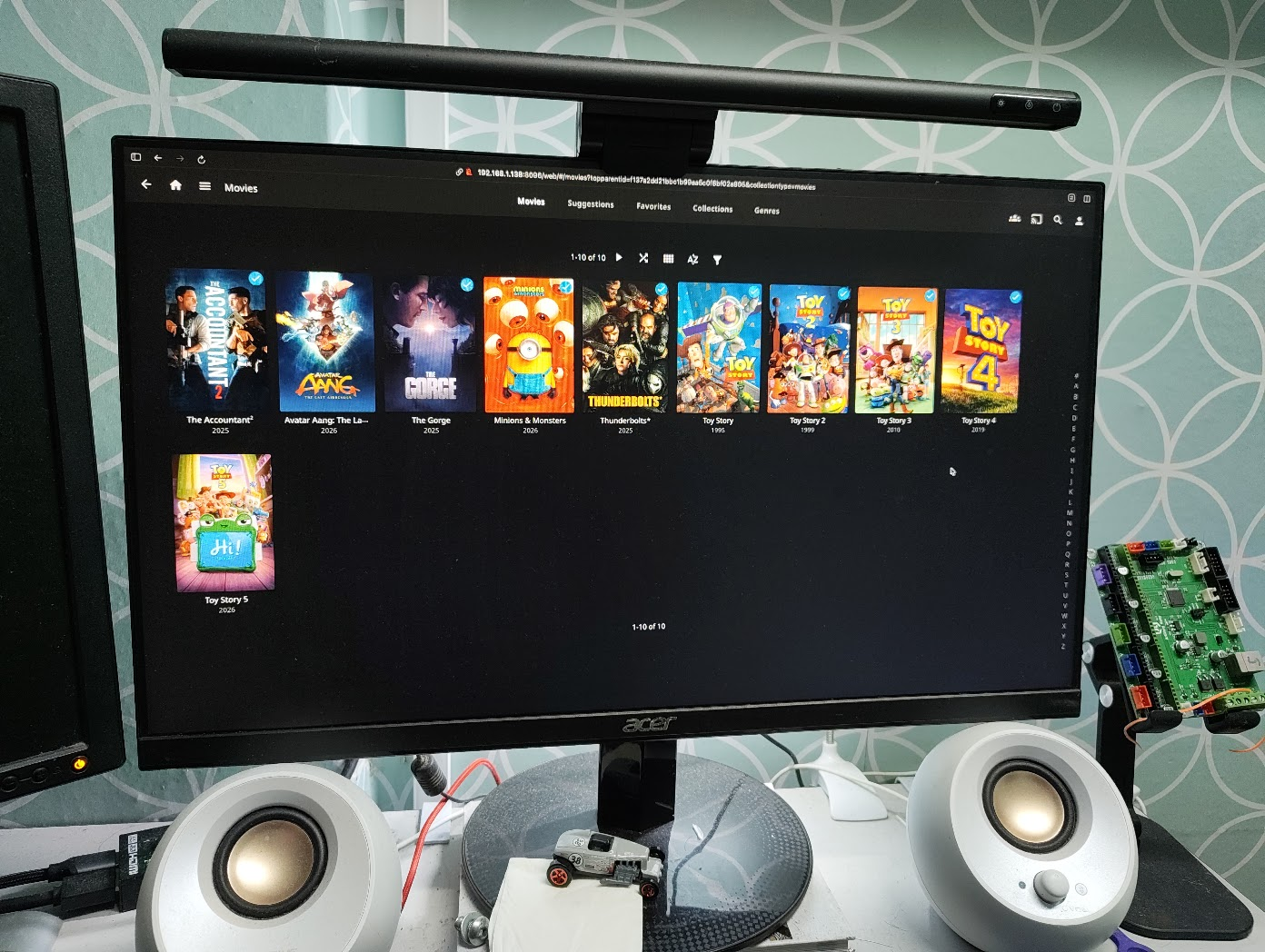
Third, I had an issue where my Jellyfin was randomly crashing during use after a recent version upgrade. Some people reported the same problem on GitHub, and it turned out that the SQLite library they depend on started requiring SSE4.1, which this machine doesn't have. This person here made a detailed finding. The workaround is to replace the SQLite binary with one from an older Jellyfin version that does not require SSE4.1.
Sure, issues like this have broad community support, so workarounds are often available, but more apps and platforms are phasing out CPUs this old (very sad). For example, .NET 11 has updated its baseline requirement to require AVX and modern SSE instruction sets. If Jellyfin adopts .NET 11 in the future, I guess I will need to find another workaround, or just find a newer machine 😶🌫️.
What's on it & how I use it
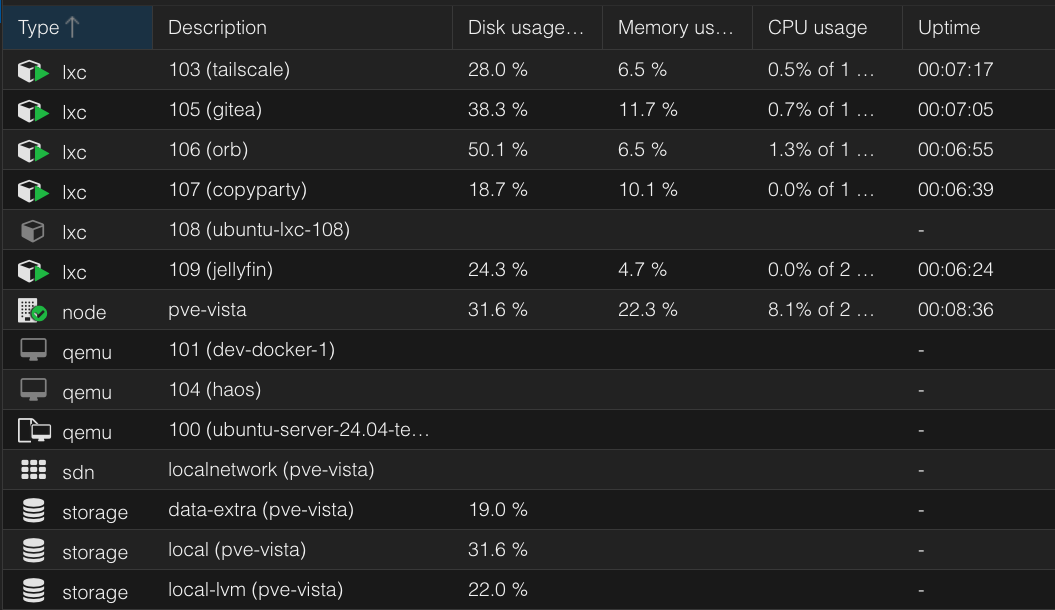
I have a few services on it, and the ones I primarily use are:
- Jellyfin
- Orb
- Tailscale
- Gitea
And there are some experimental services I am testing out:
- Home Assistant for home automation
- Docker for running various containerized applications
I try not to let the server run continuously 24/7 because none of the components are rated for actual server use. For example, the HDD I've added is from a laptop, which is not designed for constant operation like server-grade drives. Hence, those components may fail early if subjected to continuous heavy usage.
One of my friends already had an issue where the hard disk failed on him after a few years of use. He was using a non-server-grade HDD as well. This made me cautious about the longevity of my own setup.
Nevertheless, if I want to use it, I don't hold myself back from doing so. Nothing lasts forever, so might as well enjoy it while it lasts.
Conclusion
I put the server in the living room because that's where my router is. The server is connected to the router via Ethernet. Here it is, sitting quietly and serving its purpose when I need it.