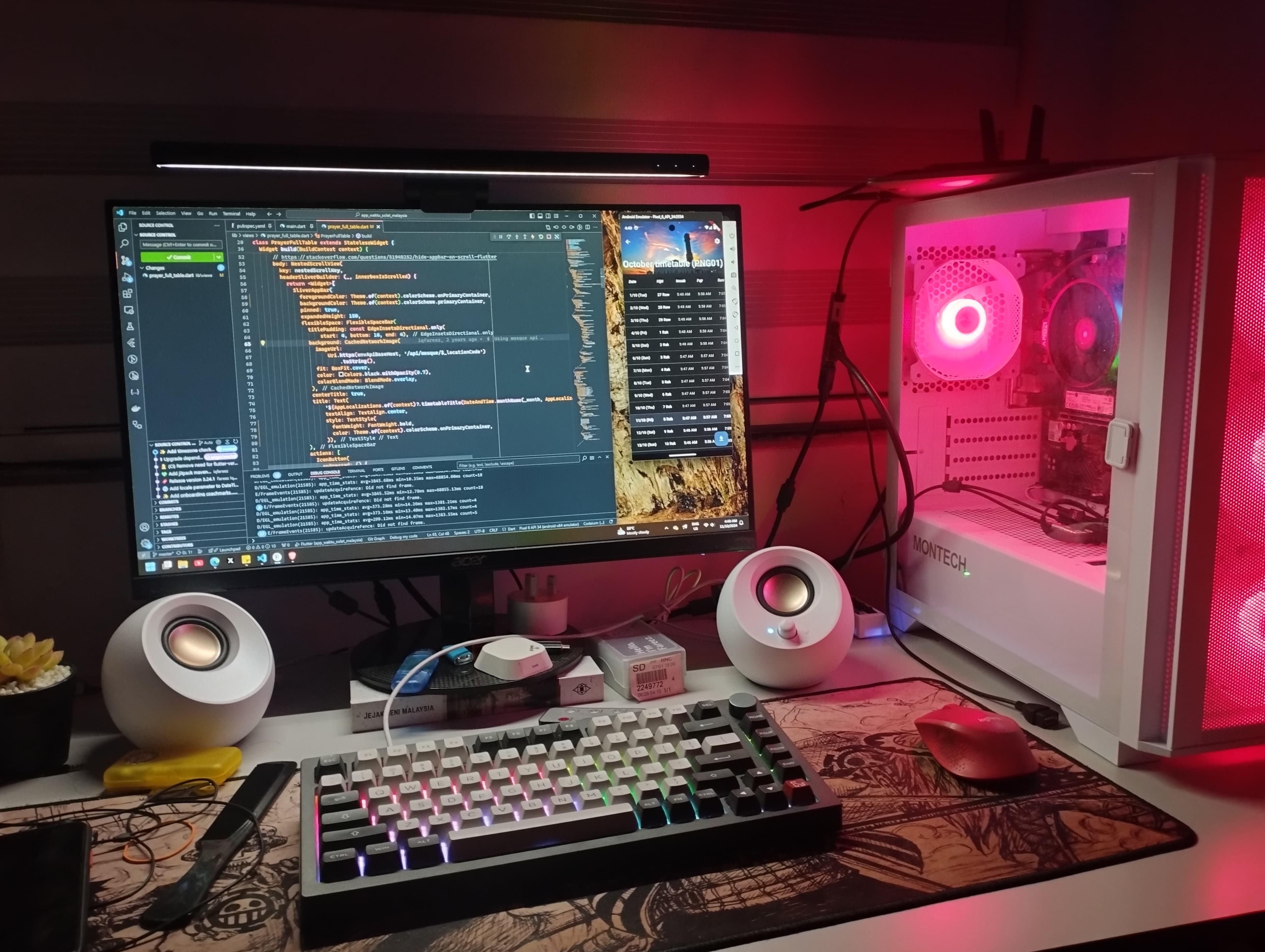
I built my first PC
- Published on
- Last modified on
- Updated:
note
This post was originally written and published on August 2026, but I backdated it to Sept 2024 (the actual date the PC was built) to fit the blog's chronological order.
I recently built my first desktop PC, and I wanted to document the experience and share some insights here that may be helpful for some of you out there who are considering building your own.
Let's start off with the Why(s)?
Well, I think I'm in a situation that demands more computing power. Currently, I'm using an Asus laptop with an 8th-generation Intel processor, a 256 GB SSD, a 1 TB HDD, and 12 GB of DDR4 RAM. This laptop served me well during university (programming, CAD, game development, etc.).
I chose to build a PC and not a laptop because I wanted to have more control over the components and their quality. Plus, building a PC can be more cost-effective for the performance you get. Also, just for the fun of building it!
Finding the Parts
I shopped for the components not in one shot, but rather one by one over the span of a month due to my budget. The list below is based on the actual chronological order of purchase. Product links and prices will be listed at the end of this section.
The Storage
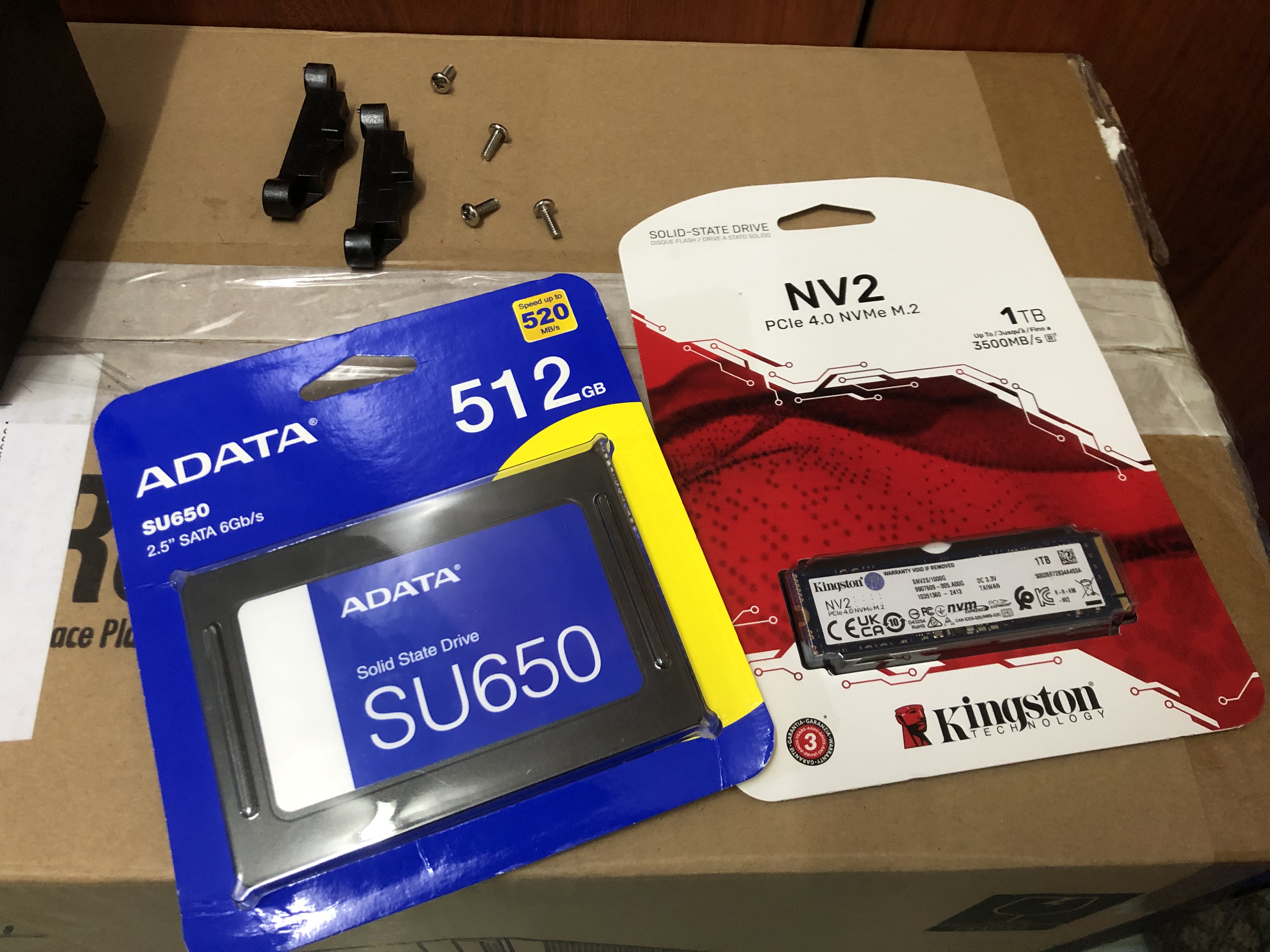
My old laptop was limited in terms of storage space. I learned my lesson, so I went for a higher-capacity SSD that I thought would suffice and future-proof my storage.
The Case
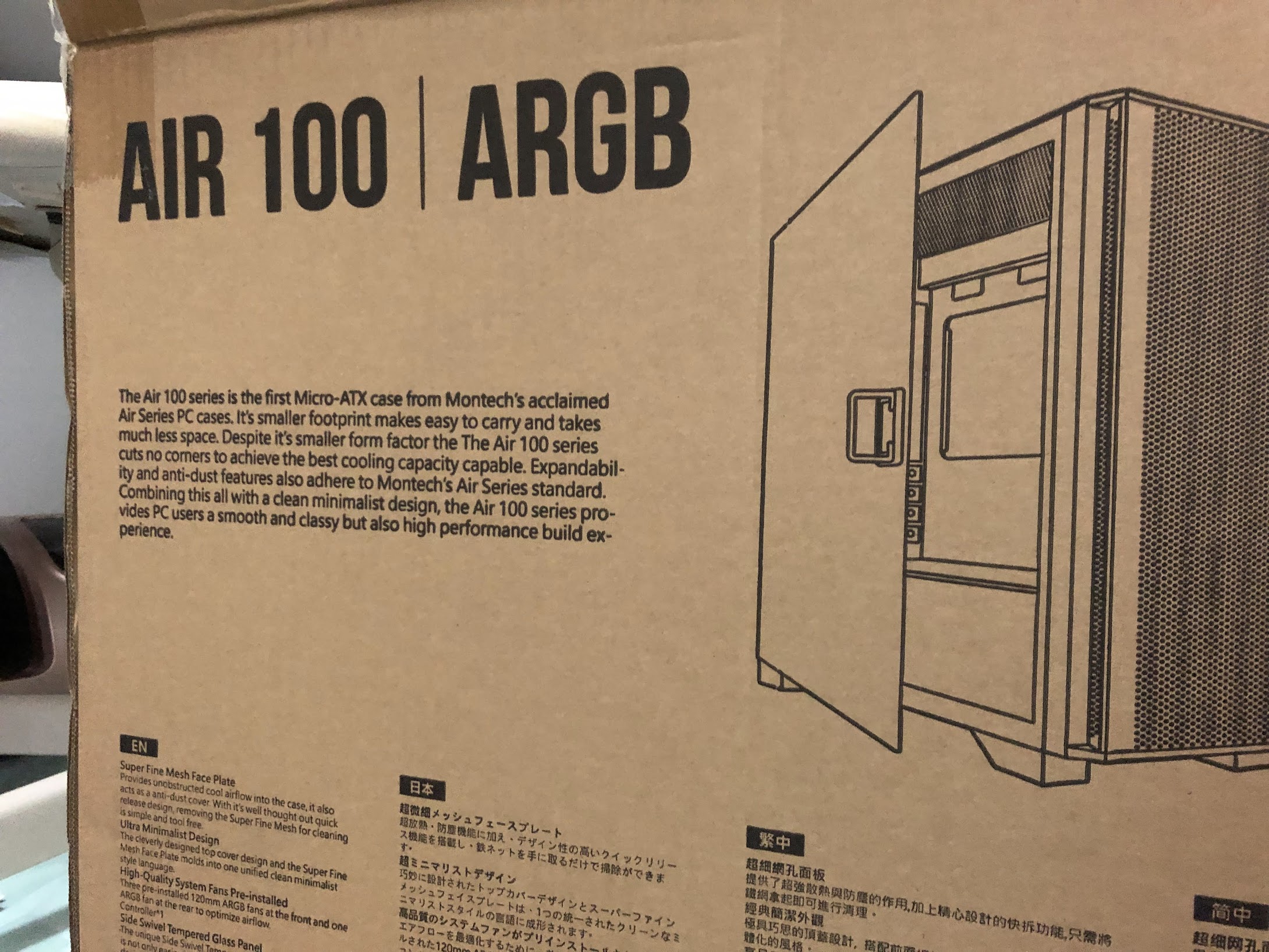
I went for a mid-tower case with good airflow and cable management options. The case also has a tempered glass side panel, which allows me to show off the internal components. This case also has mostly positive reviews on the market, which led me to choose it.
The CPU
I think deciding on a CPU took the most time because, you know, Intel or AMD? AM4 or AM5? High speed or more cores? Those kinds of thoughts. This time, I decided to go with AMD CPUs because of their lower price for the number of cores you get. Again, I made up my mind to future-proof my build, so I chose the AM5 platform for this build and went with the Ryzen 5 7600.
Ryzen 5 7600 has 6 cores and 12 threads (wow!). It has a base clock speed of 3.8 GHz and a boost clock speed of up to 5.1 GHz. It may not be super powerful or anything, but the specs blew me away for the price I could afford.
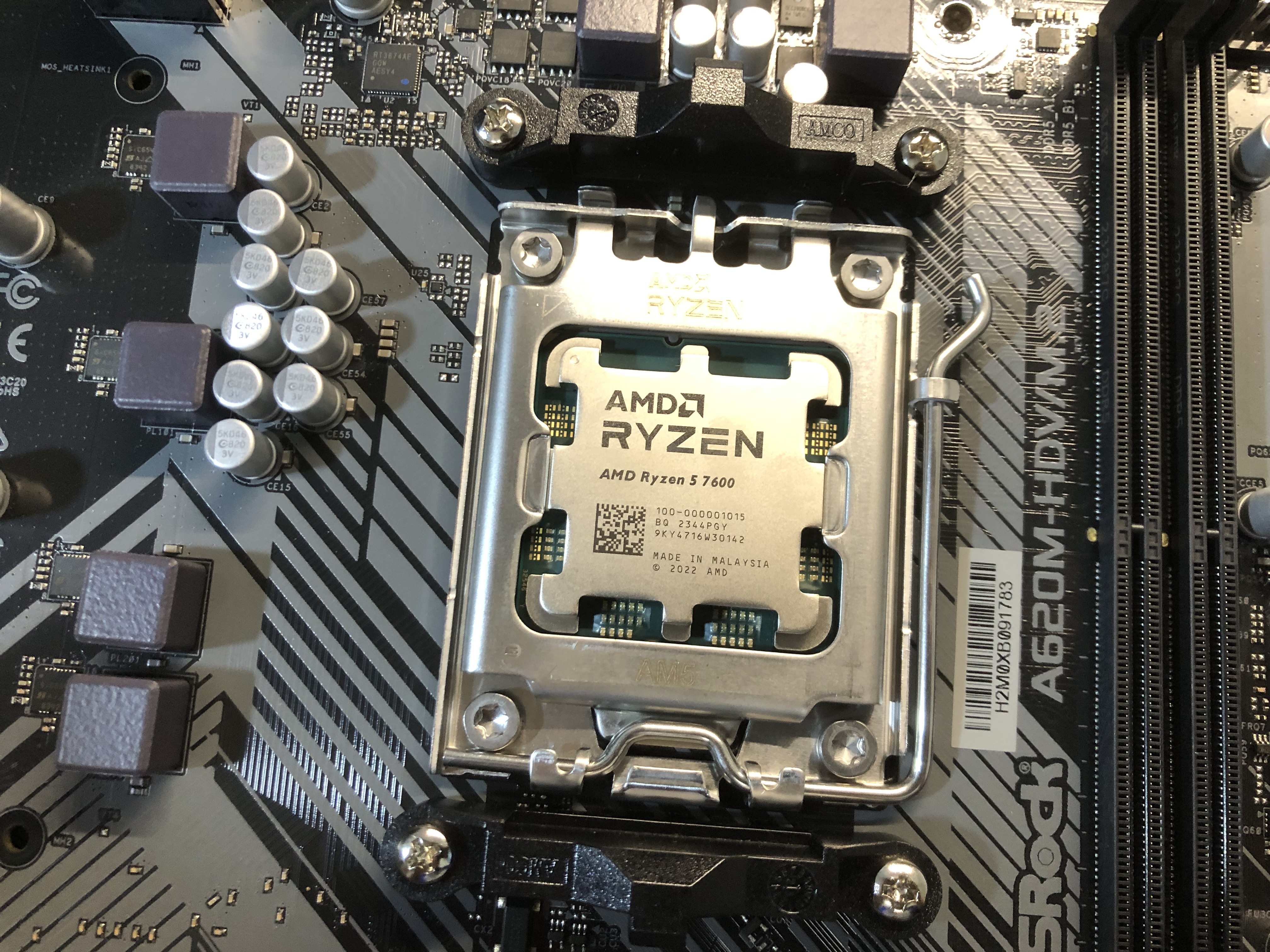
My friend also chose this CPU for his build!
The Motherboard
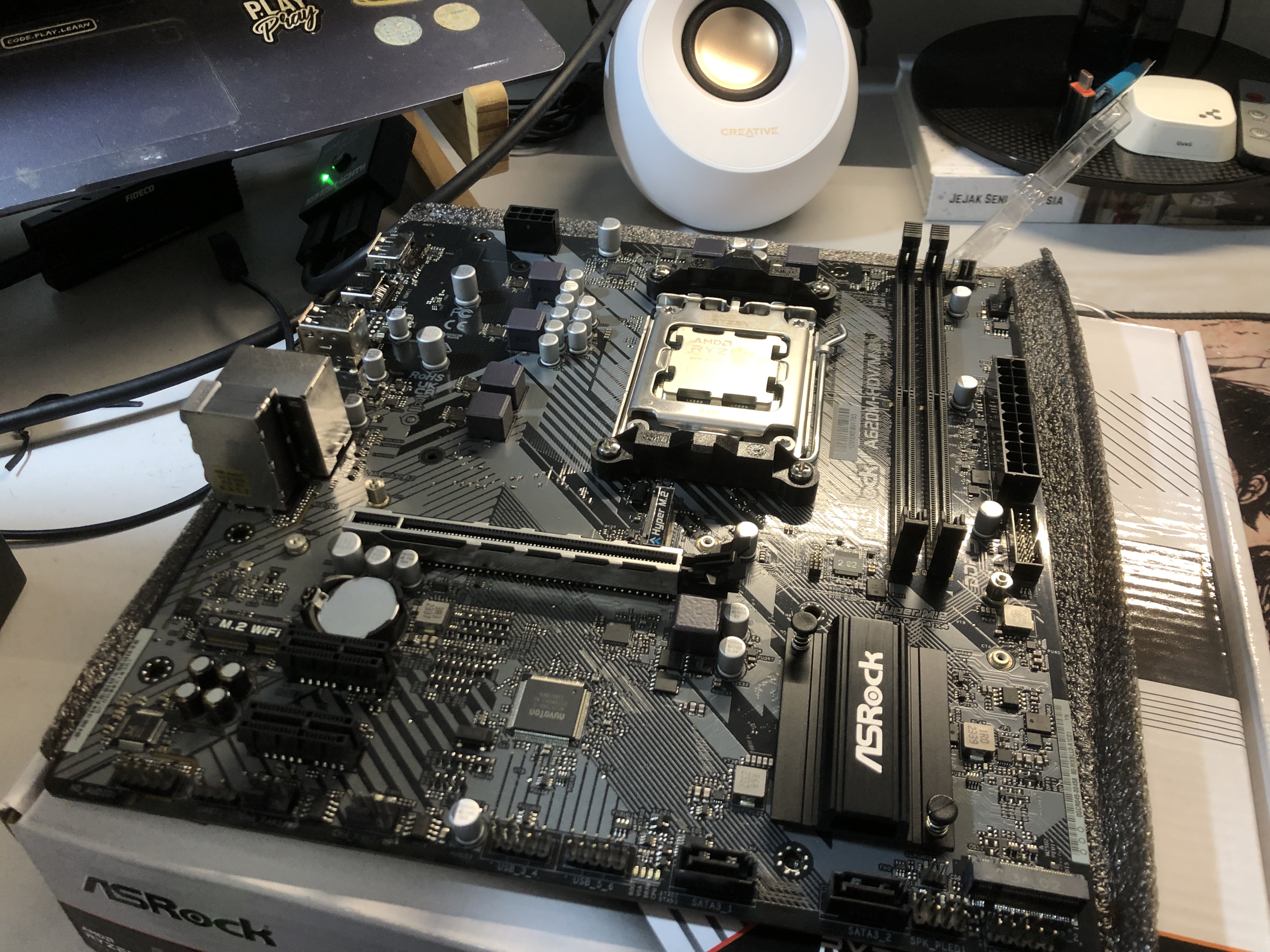
The backbone of the PC. AM5 components tend to have higher prices compared to their AM4 counterparts. I went for a budget-friendly motherboard with decent features: ASRock A620M-HDV/M.2. I figured I wouldn't be doing any overclocking or anything, so this motherboard is sufficient for my needs.
Some features of this motherboard include:
- AMD Socket AM5 - Supports Ryzen™ 9000, 8000 and 7000 Series Processors
- DDR5 Memory - 2 DIMM slots supporting Dual Channel, up to 6400+ (OC)
- PCIe 4.0 x16 - For dedicated graphics card
- NVMe Storage - 1 Hyper M.2 slot (PCIe Gen4x4) for high-speed SSD
It covers all the essentials I need without the premium features I won't use.
The Memory
Like the storage issue, I also struggled with the low RAM capacity on my previous laptop. I often needed more RAM for the work that I do. In 2024, I think 16 GB was the new minimum for a decent PC build. I could have gone with 32 GB, but that would have put me over budget.
16 GB is sufficient for my needs right now. I consider it an upgrade from my previous laptop with 12 GB of DDR4 RAM. The higher DDR5 speed perhaps compensates for the lower capacity a bit.
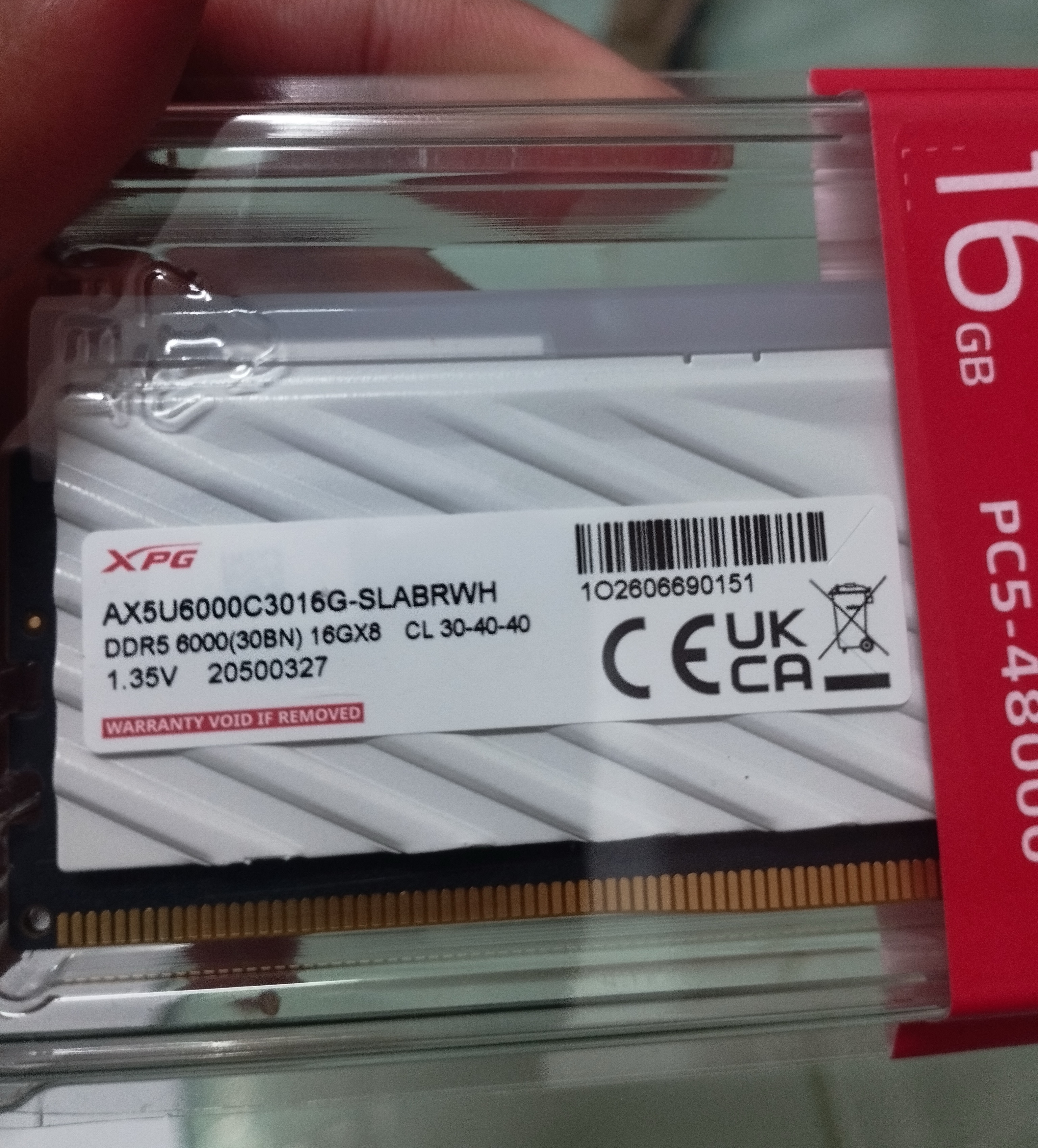
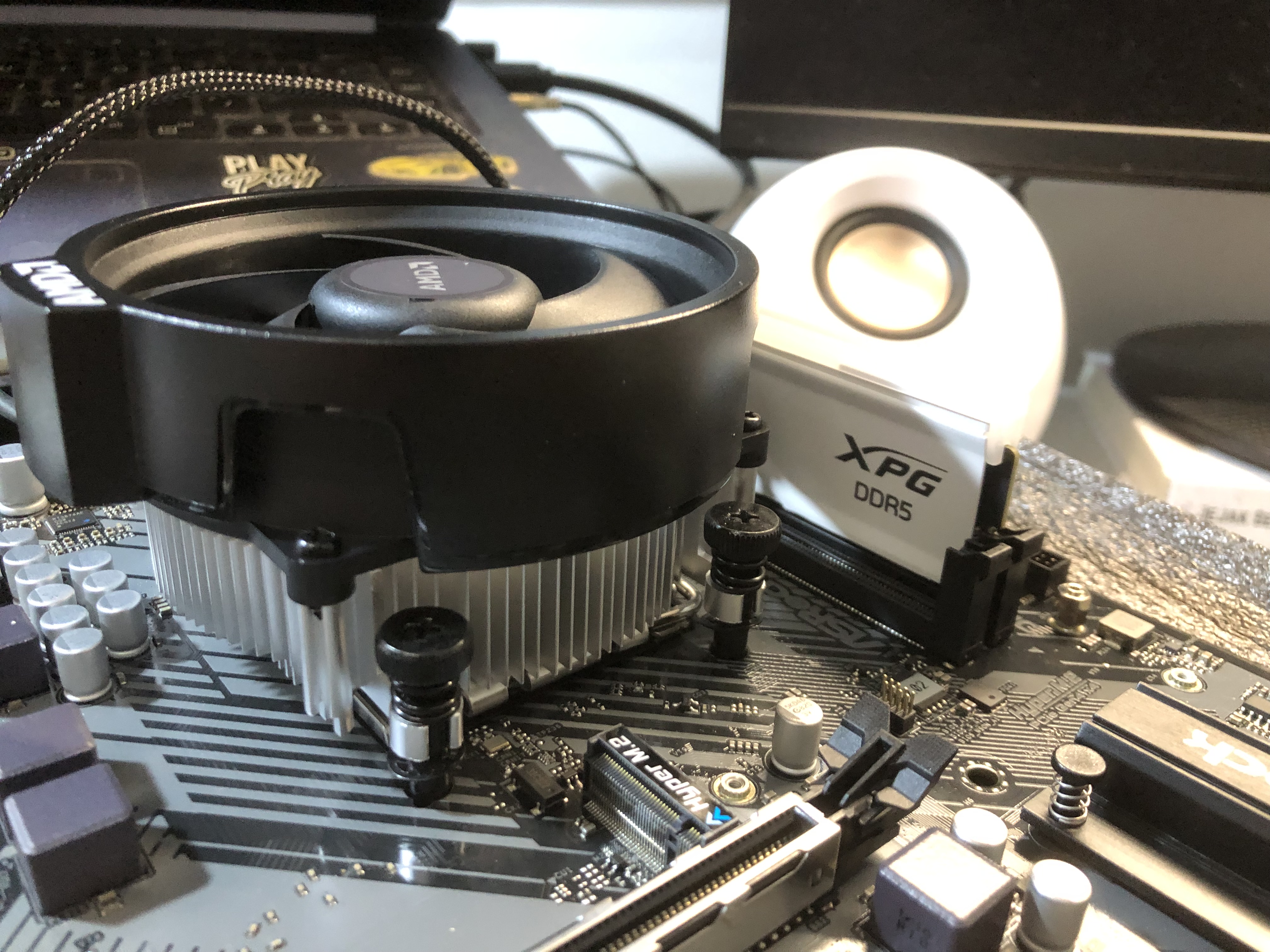
I picked up XPG Lancer DDR5 16 GB 6000 MTs CL30. I chose the lowest CL (CAS latency) for better performance. It comes with RGB LEDs too!
The Power Supply Unit (PSU)
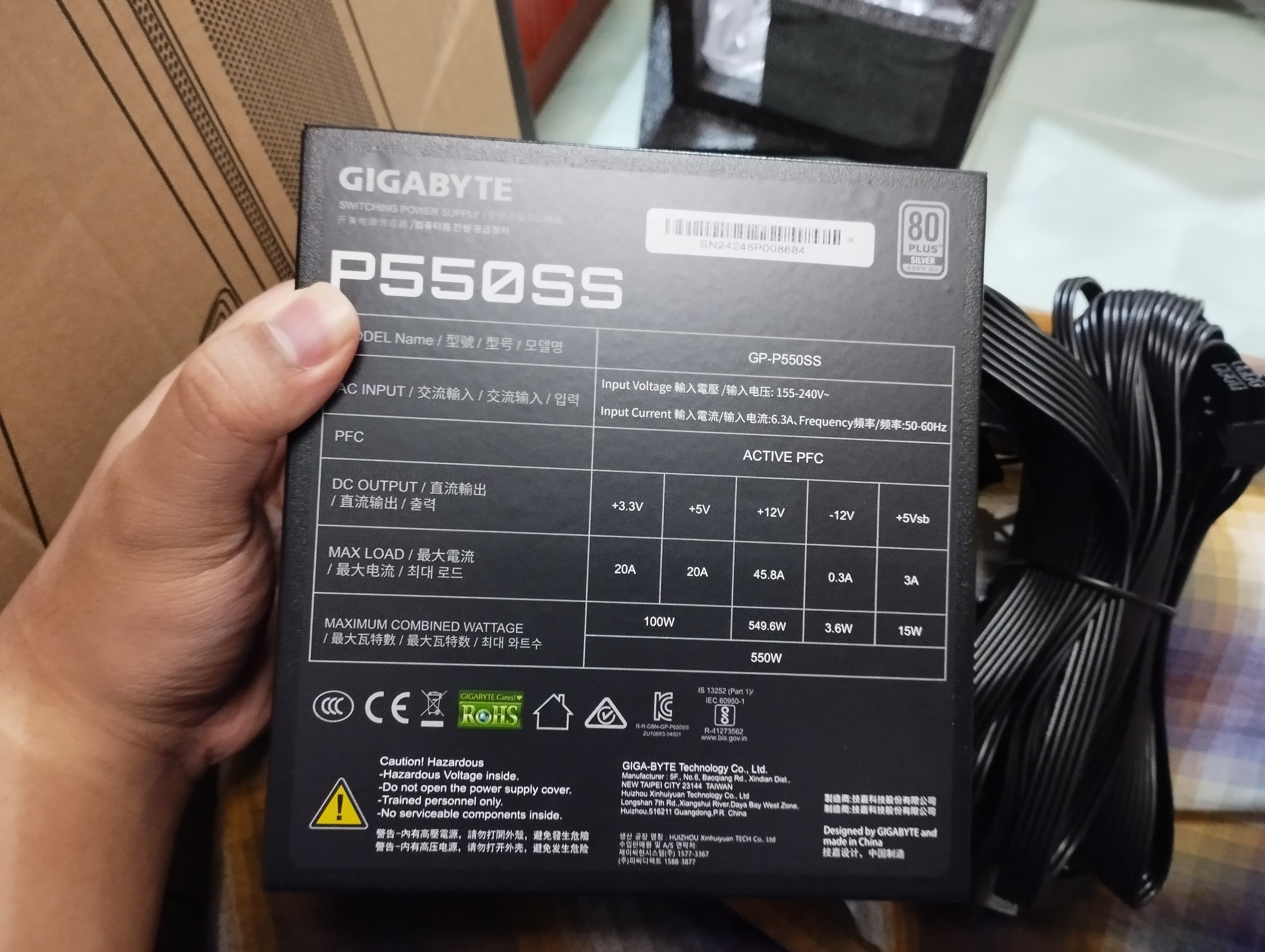
Without it, the PC won't turn on (duh). It was pretty difficult to choose the wattage of the PSU I wanted. Higher wattages come with higher prices, but lower wattages would not provide extra headroom for future upgrades. I estimated my PC's power consumption using PC Part Picker so I would have a general idea of the wattage my system would require.
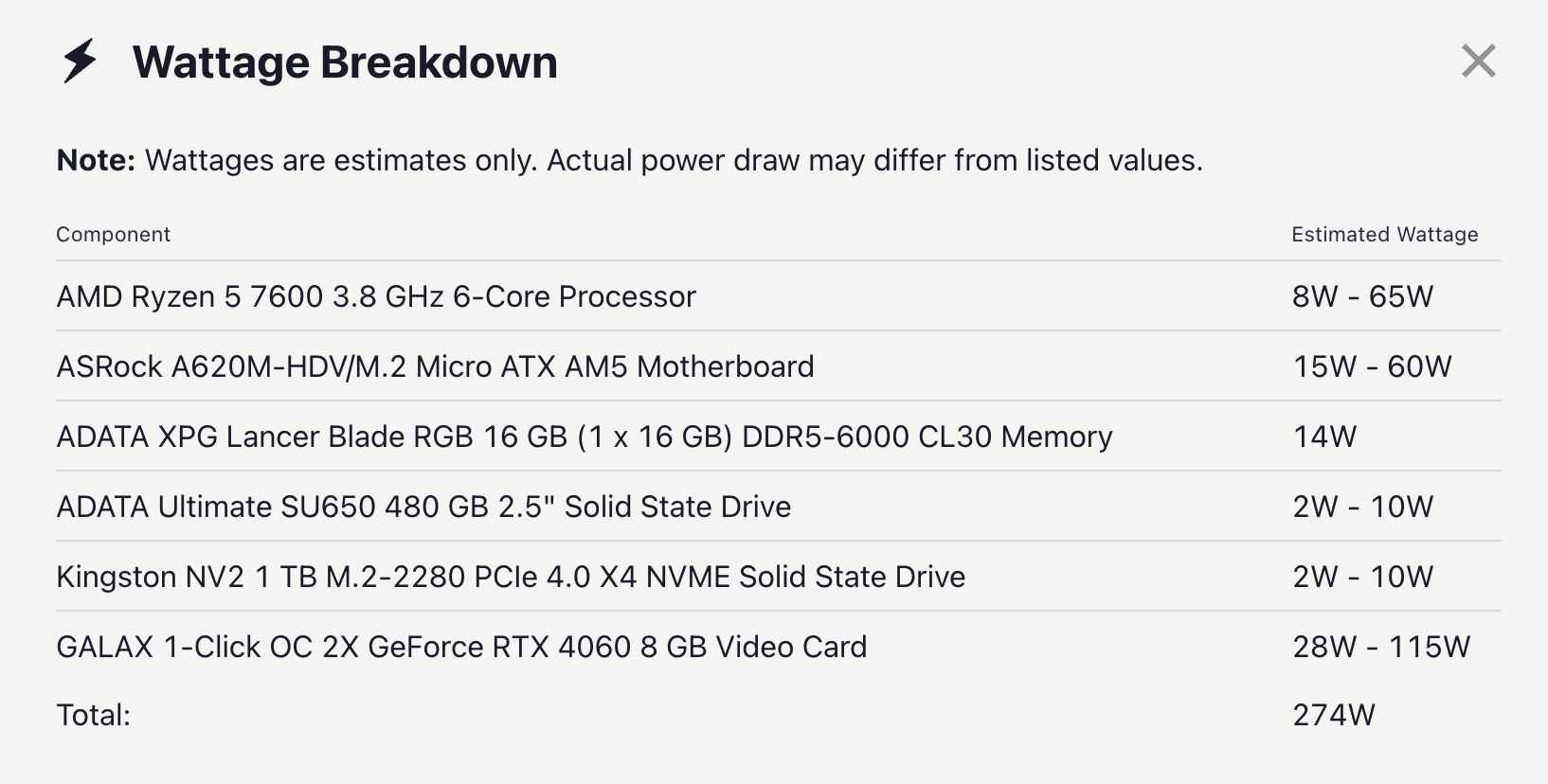
Oh, that's not much power. So I went for a 550W PSU, which I think is more than enough for my build.
The Graphics Card
The graphics card was not included in the initial build due to my budget. I only got it six months later after saving up some money. I specifically aimed for an NVIDIA GPU because it has good support, CUDA, and good gaming performance.
I bought the GALAX NVIDIA RTX 4060 1-CLICK OC 2X V2 8GB. This GPU is the most basic in its 40-series lineup, but its performance and power efficiency have improved. I didn't game that much anyway, so this GPU is sufficient for my needs.
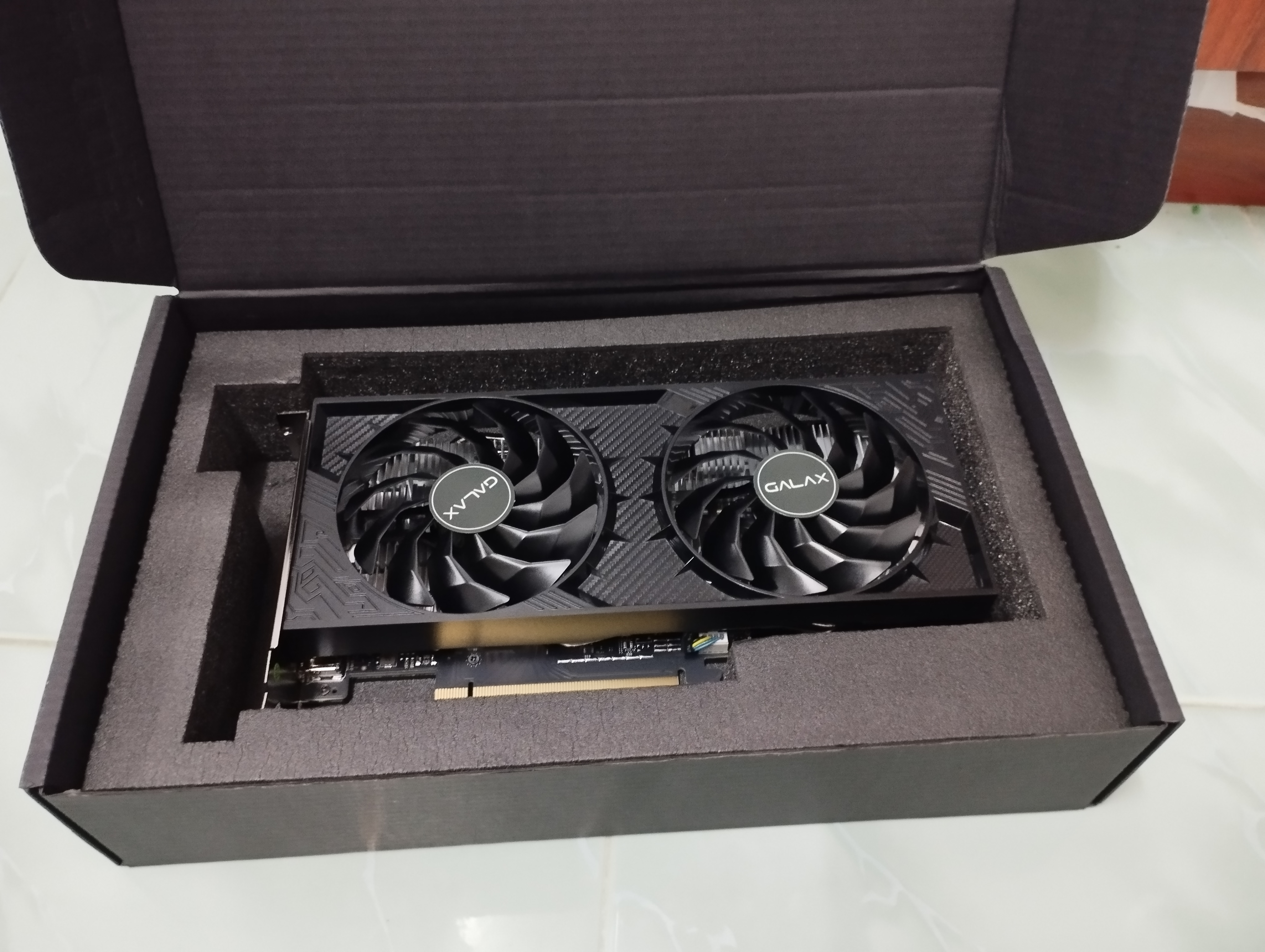
Oh, before I started using this GPU, I was relying on the integrated AMD Ryzen graphics. They were actually good for gaming and general use.
Build Process
Building the PC was an exciting experience. You need to refer to the manual for each component most of the time. If the manual doesn't contain something you need, look at the component manufacturer's website for more information. If that still doesn't help, look it up on forum sites like Reddit.
I documented the whole build process on YouTube:
- Part 1: https://www.youtube.com/watch?v=3bCabmTMZIk
- Part 2: Coming soon
The video's voice-over is in Malay. Let me know if you want English subtitles.
The results
Behold...
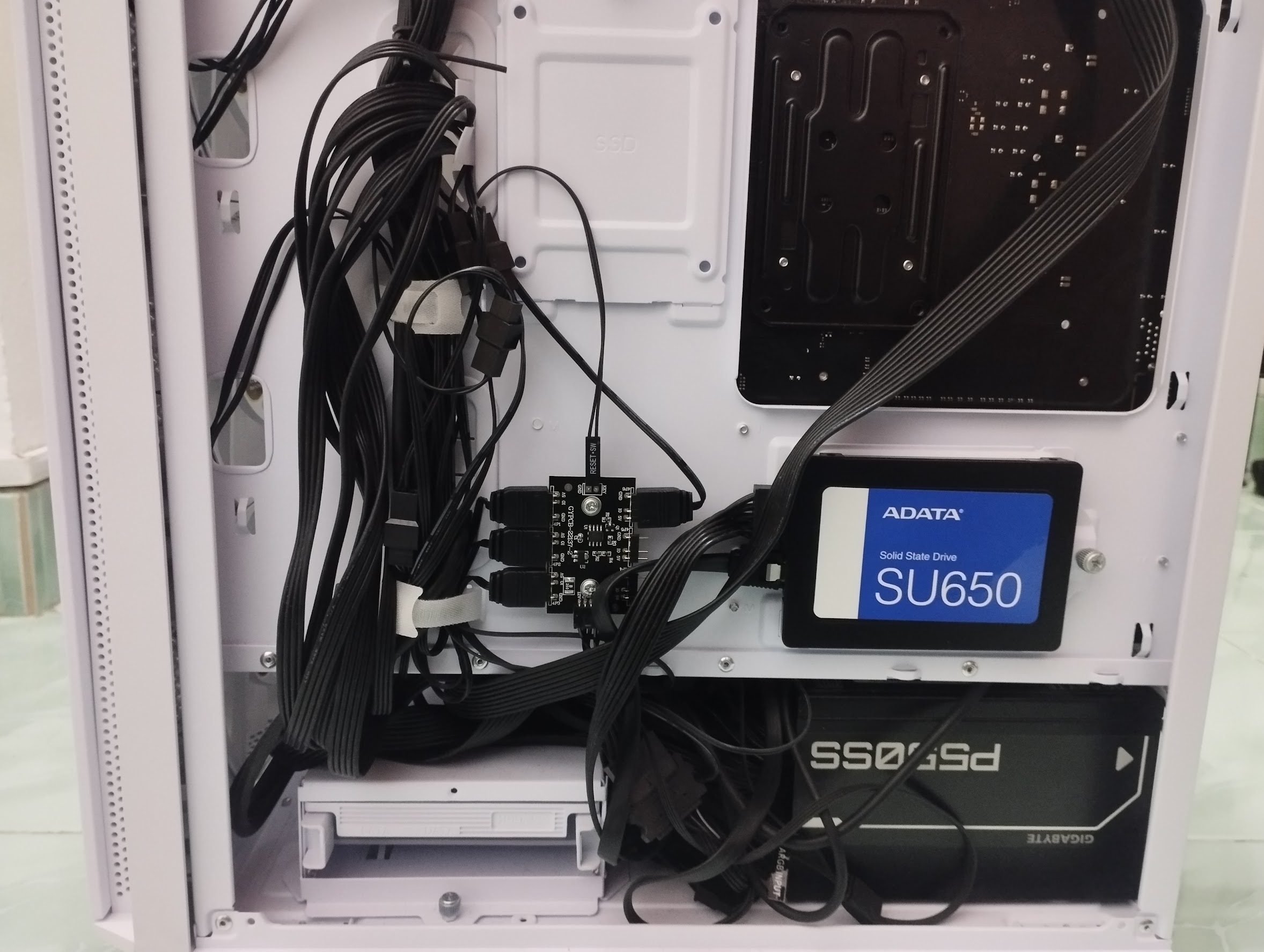
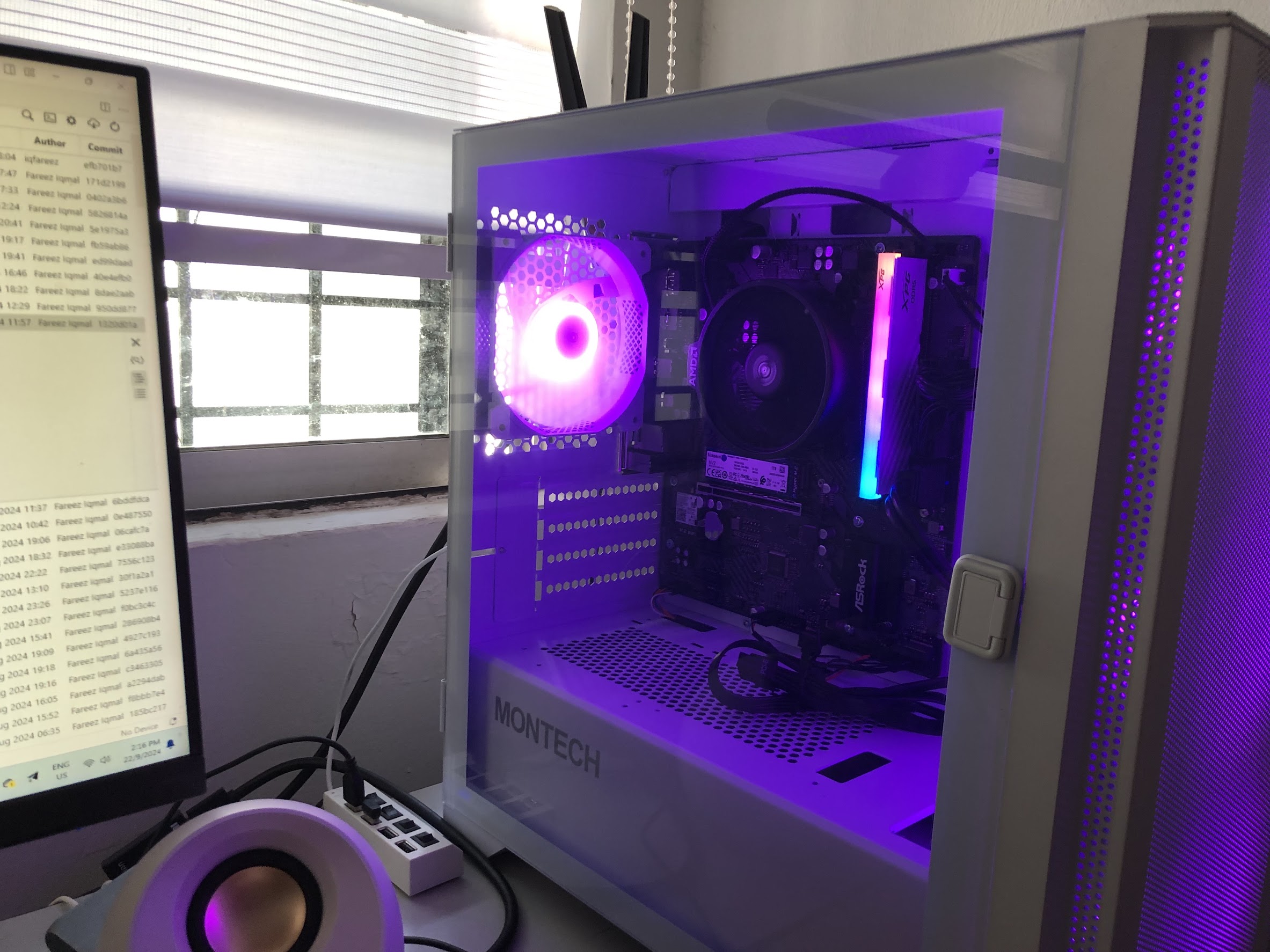
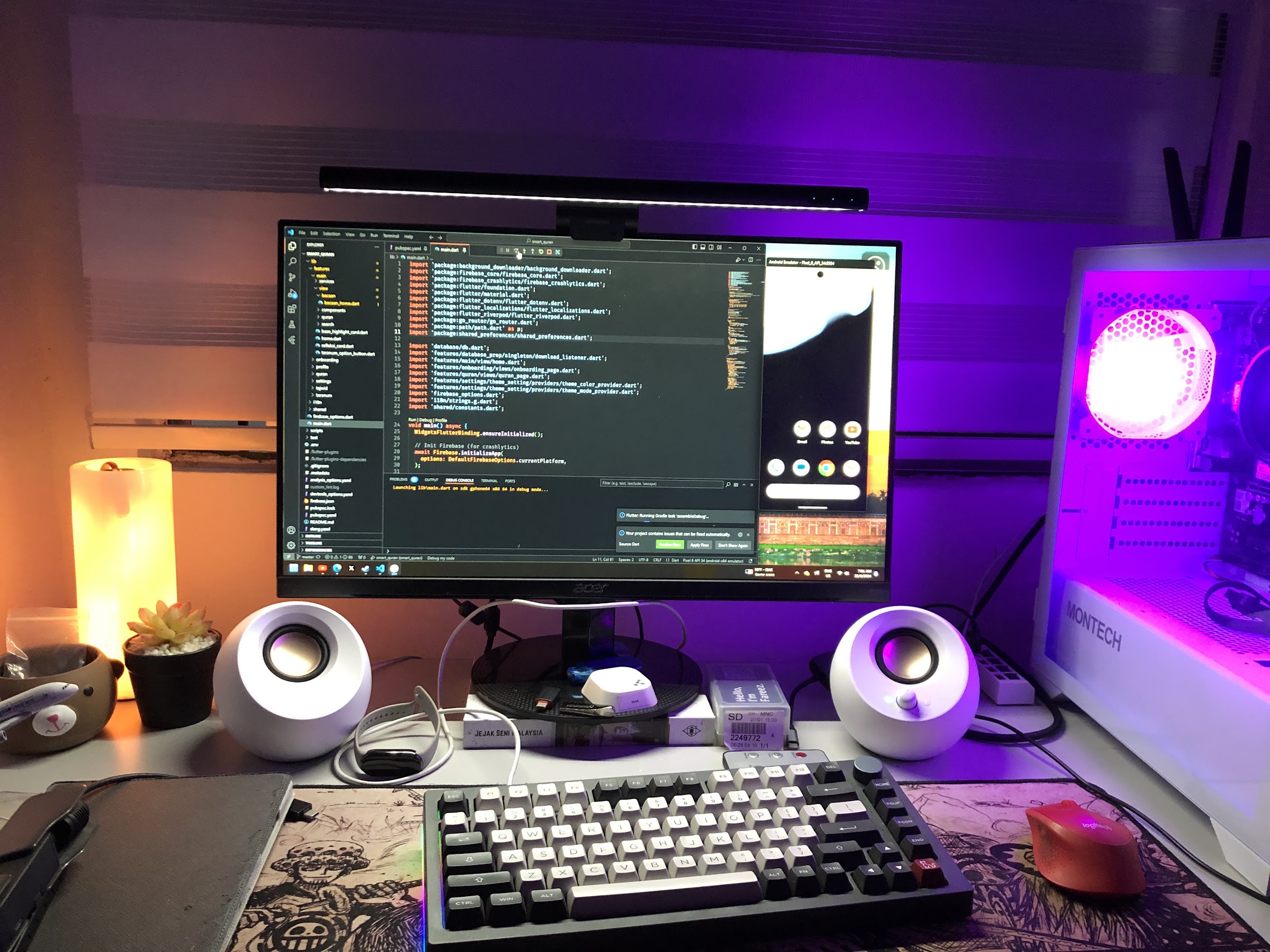
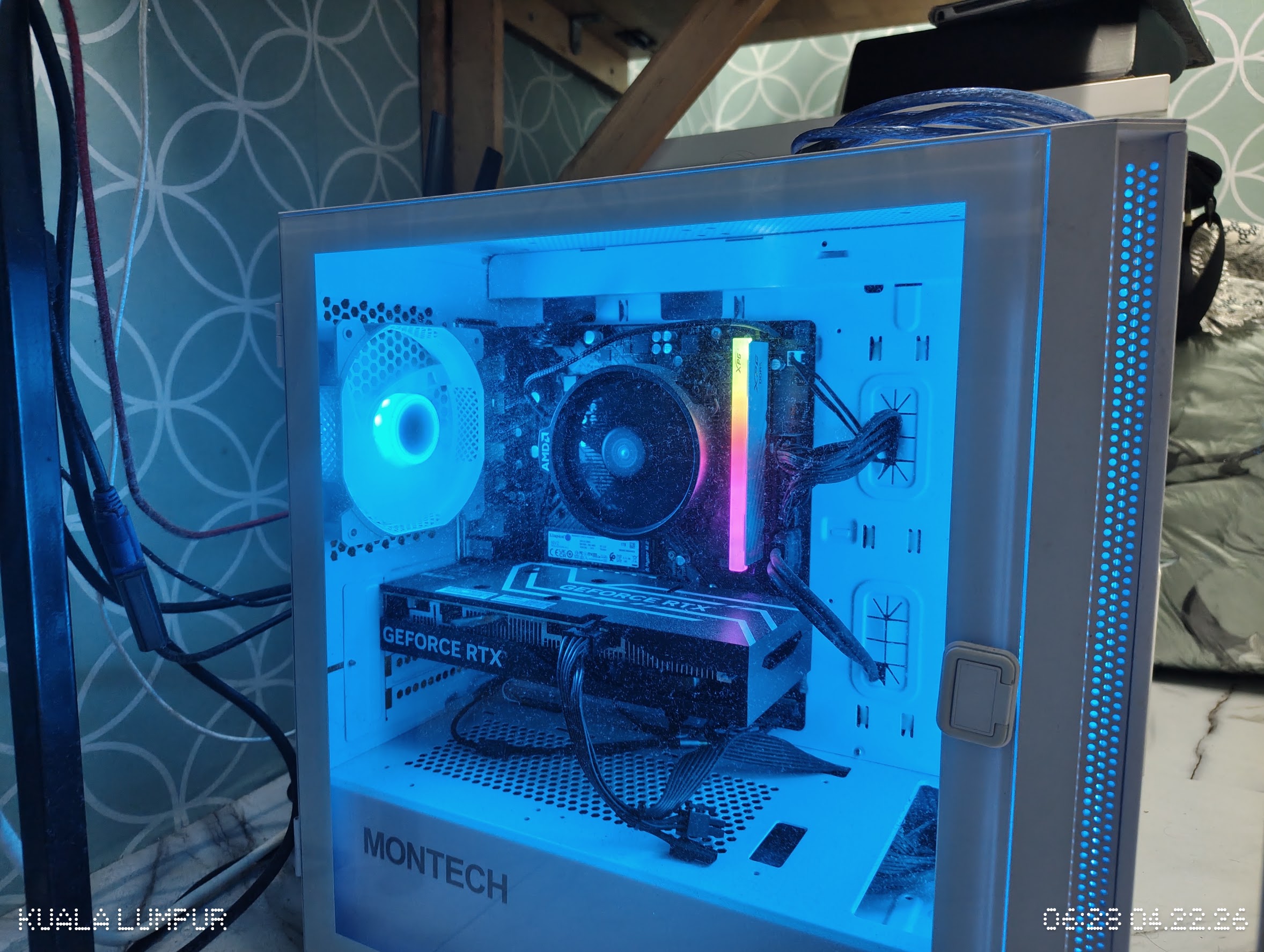
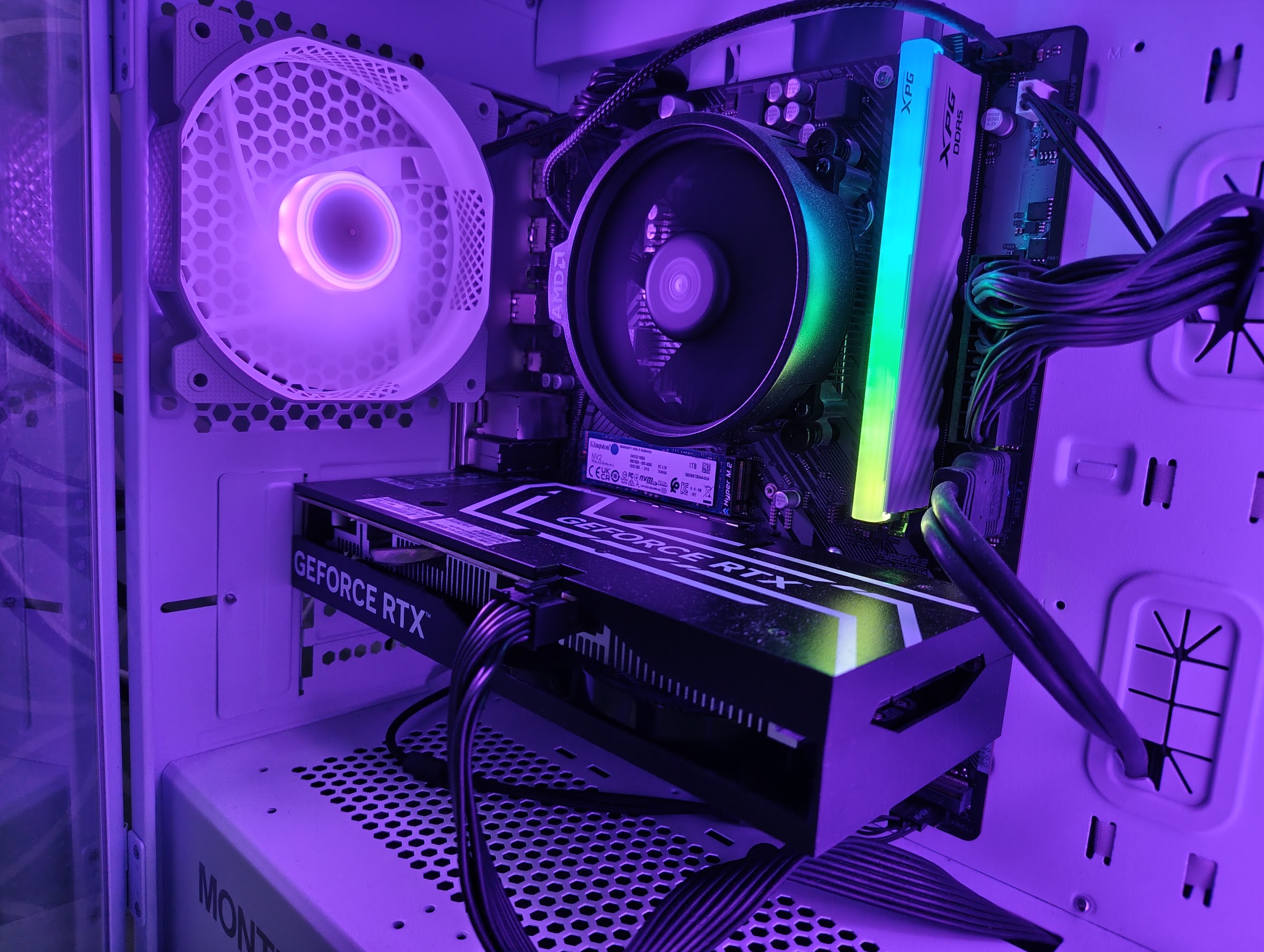
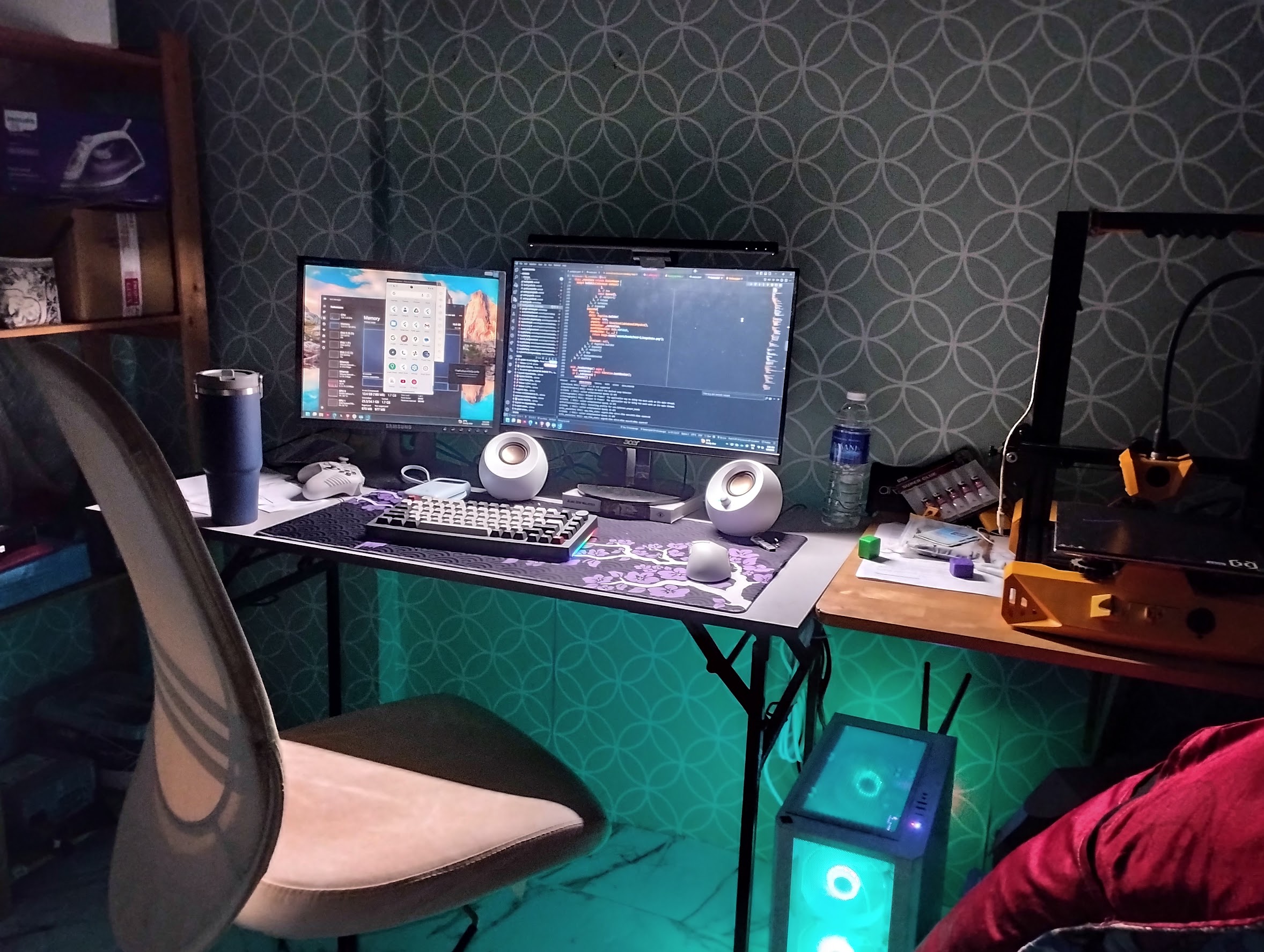
Yeah, I'm very satisfied with my build.
Problems & Troubleshooting
I had one issue with the RAM. Sometimes the PC would freeze for a few seconds, then crash (showing a BSOD or just a black screen). The error was FAULTY_HARDWARE_CORRUPTED_PAGE or something along those lines. After looking online, I figured that the issue might be related to the RAM.

I had configured my RAM to use its EXPO profile, which set the speed to 6000 MT/s (the advertised speed). Running a RAM check didn't show any errors. I thought perhaps I had faulty RAM, but later I found out this is a common problem with AM5 platforms: sometimes the memory controller or motherboard (idk, really) can't handle the RAM's high speed. I also made sure my motherboard was running the latest BIOS version available.
I fixed this by lowering the speed to 5400 MT/s. The system no longer crashes, and I'm happy with it. I don't think the difference in speed and performance would be that significant after all. At a later time, I raised it to 5600 MT/s, and the system remained stable.
Thanks for reading!